MCP Cheat Sheet
Complete quick reference for the Model Context Protocol - the open standard that connects AI models to tools, data, and services. Architecture, primitives, transports, SDKs, and security in one place.
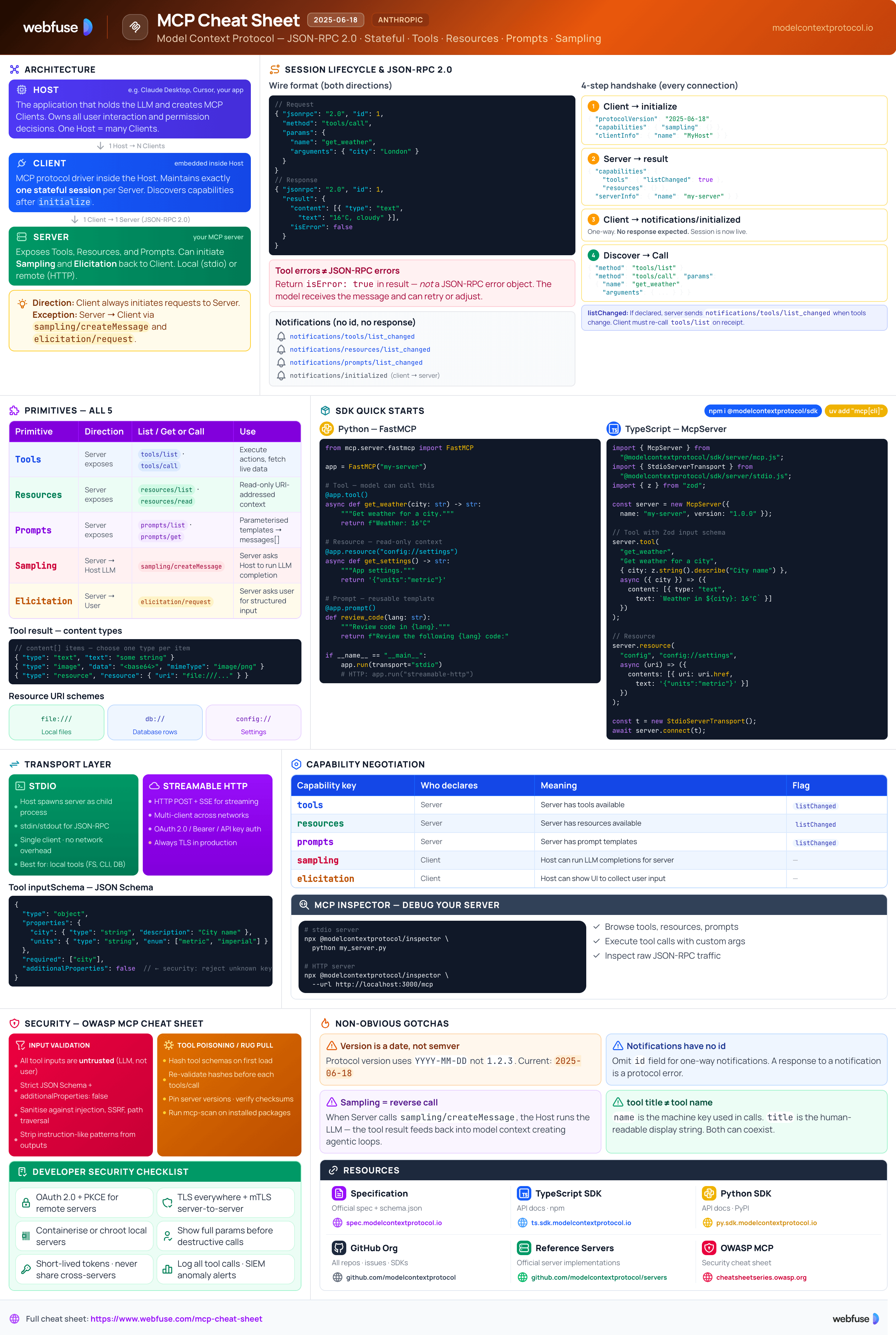
What Is MCP?
The open standard that gives AI models a universal way to connect to tools, data, and services
The Core Idea - "USB-C for AI"
MCP (Model Context Protocol) is an open-source, open-standard protocol introduced by Anthropic in November 2024. It standardises secure, two-way connections between AI applications and external tools, data sources, and services - without custom per-integration code. Think of it as a USB-C port for AI: any compliant host (Claude, ChatGPT, Cursor, VS Code Copilot) can plug into any compliant server and immediately discover and use its capabilities.
The 3 Core Components
The AI application that coordinates clients and uses provided context. Examples: Claude Desktop, VS Code with Copilot, Cursor, ChatGPT.
Instantiated by the host - one per server. Handles the dedicated connection, capability discovery, and primitive invocation.
Exposes context to clients. Can be local (e.g., filesystem server on the same machine) or remote (a hosted service over HTTPS).
The Problem Before MCP
Every AI app needed custom code for every tool. M apps × N tools = M×N unique integrations to build and maintain.
Each integration invented its own auth, sandboxing, and data-handling patterns - inconsistent and error-prone.
LLMs couldn't reliably discover what tools were available or how to invoke them without bespoke prompt engineering.
What MCP Solves
tools/list automaticallyKey Terminology
2025-06-18). Negotiated during initialize. Schema defined in TypeScript-first at schema.ts, also exported as JSON.notifications/initialized) and dynamic updates (notifications/tools/list_changed).sampling/createMessage) that lets a server request an LLM completion from the host - enabling recursive agent workflows.MCP connects your model to tools and data.
Webfuse connects it to a live web session.
Architecture & Transport
JSON-RPC 2.0 over stdio or Streamable HTTP - and how the session lifecycle works
Communication Model
MCP uses stateful JSON-RPC 2.0. A session is established per connection and maintained for its duration. All messages are JSON-RPC request/response pairs or one-way notifications. The schema is defined TypeScript-first and also published as schema.json in the spec repo.
// JSON-RPC 2.0 request
{
  "jsonrpc": "2.0",
  "id": 1,
  "method": "tools/call",
  "params": {
    "name": "get_weather",
    "arguments": { "city": "London" }
  }
}

// JSON-RPC 2.0 response
{
  "jsonrpc": "2.0",
  "id": 1,
  "result": {
    "content": [{ "type": "text", "text": "16°C, partly cloudy" }]
  }
}
stdio Transport (Local)
Uses stdin / stdout for communication. The host spawns the server as a child process on the same machine.
# Server reads JSON-RPC from stdin,
# writes responses to stdout.
Host process → spawn → MCP Server process
  stdin  ←→  JSON-RPC messages
  stdout ←→  JSON-RPC responses
Streamable HTTP Transport (Remote)
Uses HTTP POST + Server-Sent Events (SSE). Clients POST requests; servers stream responses. Supports multiple concurrent clients.
Session Lifecycle
Client sends initialize with its protocol version and capabilities.
{ "method": "initialize",
  "params": {
    "protocolVersion": "2025-06-18",
    "capabilities": { "sampling": {} },
    "clientInfo": { "name": "MyHost" }
  }
}Server replies with its capabilities and server info.
{ "result": {
  "protocolVersion": "2025-06-18",
  "capabilities": {
    "tools": { "listChanged": true },
    "resources": {}
  },
  "serverInfo": { "name": "my-server" }
}}Client confirms session is ready with a one-way notification.
{ "method": "notifications/initialized" }

// No response expected - this is a notificationClient discovers capabilities then invokes them.
// Discover tools
{ "method": "tools/list" }

// Call a tool
{ "method": "tools/call",
  "params": { "name": "my_tool",
    "arguments": { ... } } }
"listChanged": true, it sends notifications/tools/list_changed whenever its tool list changes. The client should re-call tools/list on receipt.Primitives
The three server-to-client context types, plus server-initiated capabilities
Tools
Executable ActionsFunctions the LLM can invoke to take actions or fetch live data. Each tool has a JSON Schema input definition that the model uses to construct valid calls.
tools/listReturns available toolstools/callInvokes a named tool// tools/list response (one tool shown) { "tools": [{ "name": "get_weather", "title": "Get Weather", "description": "Get current weather for a city", "inputSchema": { "type": "object", "properties": { "city": { "type": "string" } }, "required": ["city"] } }]}
content array (text, image, or embedded resource) and an optional isError flag.Resources
Read-Only DataStructured, URI-addressed read-only data the model can consume as context - files, database records, API responses, etc. The model reads but does not modify resources.
resources/listLists available resourcesresources/readReads a resource by URI// resources/list response { "resources": [{ "uri": "file:///project/README.md", "name": "Project README", "mimeType": "text/markdown" }]} // resources/read request { "method": "resources/read", "params": { "uri": "file:///project/README.md" } }
Prompts
Reusable TemplatesParameterised prompt templates and workflows defined by the server. Hosts present these to users or the LLM as pre-built interaction patterns.
prompts/listLists available templatesprompts/getGets a rendered template// prompts/get request { "method": "prompts/get", "params": { "name": "code_review", "arguments": { "language": "python" } } } // Returns messages array ready to send to LLM
Server → Client
AdvancedServers can initiate requests back to the host, enabling recursive agent workflows and user interaction flows.
Server asks the host to run an LLM completion - enabling agentic loops where a tool result feeds back into the model.
Server requests structured input from the end user - the host shows a UI form and returns the user's response.
notifications/tools/list_changed - tool list updatednotifications/resources/list_changednotifications/prompts/list_changednotifications/message - server log eventPrimitive Quick-Reference
| Primitive | Direction | List Method | Get / Call | Use Case |
|---|---|---|---|---|
| Tools | Server → Client | tools/list | tools/call | Execute actions, fetch live data |
| Resources | Server → Client | resources/list | resources/read | Inject read-only context (files, DB records) |
| Prompts | Server → Client | prompts/list | prompts/get | Reusable prompt templates & workflows |
| Sampling | Client → Server | - | sampling/createMessage | Server requests an LLM completion |
| Elicitation | Client → Server | - | elicitation/request | Server requests structured user input |
SDKs & Quick Start
Official SDKs with type-safe servers, transport abstraction, and full protocol compliance
Tier 1 SDKs
Full Feature Support · Actively MaintainedPython - Minimal Server
A complete stdio MCP server in under 20 lines using the decorator API:
from mcp.server.fastmcp import FastMCP

app = FastMCP("weather-server")

# Register a Tool
@app.tool()
async def get_weather(city: str) -> str:
    """Get current weather for a city."""
    return f"Weather in {city}: 16°C, partly cloudy"

# Register a Resource
@app.resource("config://settings")
async def get_settings() -> str:
    """Application settings."""
    return '{"theme": "dark", "units": "metric"}'

# Run over stdio
if __name__ == "__main__":
    app.run(transport="stdio")
TypeScript - Minimal Server
A complete MCP server using the TypeScript SDK with Zod for input validation:
import { McpServer } from "@modelcontextprotocol/sdk/server/mcp.js";
import { StdioServerTransport } from "@modelcontextprotocol/sdk/server/stdio.js";
import { z } from "zod";

const server = new McpServer({
  name: "weather-server",
  version: "1.0.0",
});

// Register a Tool with Zod input schema
server.tool(
  "get_weather",
  "Get current weather for a city",
  { city: z.string().describe("City name") },
  async ({ city }) => ({
    content: [{ type: "text", text: `Weather in ${city}: 16°C` }],
  })
);

// Connect and run
const transport = new StdioServerTransport();
await server.connect(transport);
MCP Inspector - Debug Your Server
The official interactive development and debugging tool. Connects to any MCP server via stdio or HTTP and lets you browse capabilities, test tools, and inspect messages.
# Launch inspector against a server
npx @modelcontextprotocol/inspector \
  python my_server.py

# Or against a running HTTP server
npx @modelcontextprotocol/inspector \
  --url http://localhost:3000/mcp
Most MCP servers hand your agent a fresh browser.
Webfuse hands it the live one.
Security Best Practices
Based on the OWASP MCP Security Cheat Sheet - developer-actionable controls by layer
Auth & Authorisation
<user_id>:<session_id>Sandboxing
127.0.0.1 unless remote access is intendedInput / Output Validation
additionalProperties: falseTool Poisoning & Rug Pull
A malicious server could change tool definitions after the host has approved them (rug pull). Mitigate by:
tools/callmcp-scan-style static analysis on server packagesTransport & Message Security
Human-in-the-Loop
elicitation/request to collect user input mid-toolSecurity Checklist - Monitoring & Supply Chain
- Log all tool invocations (redact secrets from logs)
- Integrate with SIEM for anomaly alerting
- Alert on unusual tool call frequency or patterns
- Track which servers and tools are in active use
- Only install servers from verified, trusted sources
- Verify package checksums and signatures before install
- Scan all dependencies for known vulnerabilities
- Watch for typosquatting in server package names
Official Resources
Primary sources only - spec, SDKs, reference servers, and security guidance
Official Site & Specification
schema.ts + schema.json), SEPs, and docsSDKs & Reference Servers
Anthropic & Security
Enterprise & Cloud
SDK API Documentation
Ready to let your AI agent act on the live web?
Headless browsers give your agent a copy of the web. Webfuse gives it the session your user is actually in — over MCP, with no install.
- No credit card
- Free forever plan
- Quick setup
More Cheatsheets
Other quick-reference guides you might find useful.
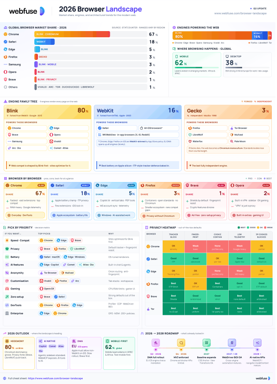
The 2026 Browser Landscape
Major Browsers, Engines, Privacy & Security
Quick reference to the 2026 web browser landscape - market share, engines (Blink, WebKit, Gecko), performance, privacy, extension risks, and a decision table for picking the right browser.
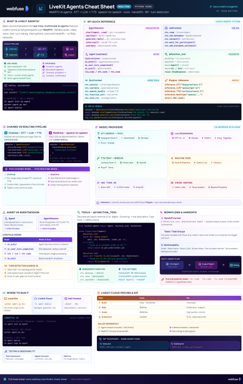
LiveKit Agents
Real-Time Voice & Multimodal AI
Complete quick reference for LiveKit Agents - architecture, chained vs realtime pipelines, STT/LLM/TTS integrations, tools, workflows, turn detection, and deployment.
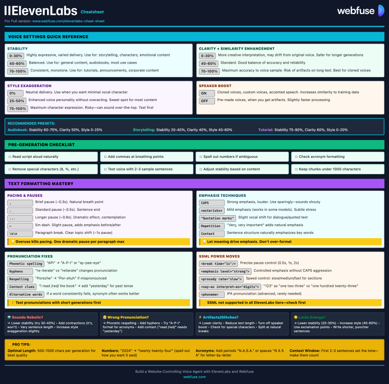
ElevenLabs
Models, Voices, API & Agents
Current quick reference for ElevenLabs models, voice cloning, streaming, API usage, and platform updates.
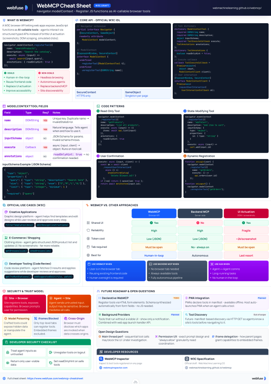
WebMCP
W3C Browser AI Tool API Reference
Complete quick reference for the W3C WebMCP browser API - register JavaScript functions as AI-callable tools with full IDL, code examples, and security guidance.
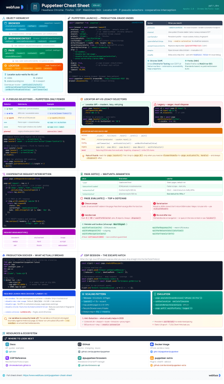
Puppeteer
Headless Chrome & Firefox Automation
Complete quick reference for Puppeteer v24 - Browser/Context/Page hierarchy, modern Locator API with pseudo-selectors, request interception, BiDi, and Docker production patterns.
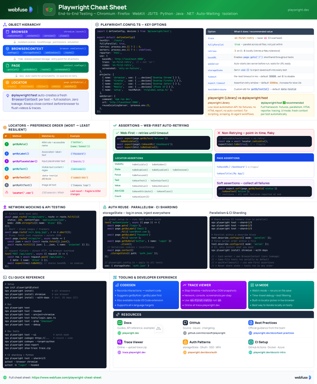
Playwright
End-to-End Testing & Browser Automation
Complete quick reference for Playwright - Browser/Context/Page/Locator primitives, locator strategies, web-first assertions, Codegen, Trace Viewer, language bindings, and best practices.
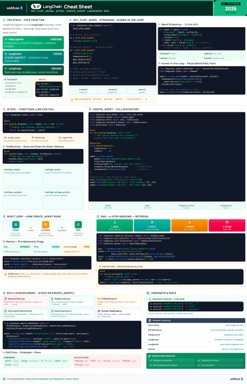
LangChain
LLM Agents, Tools, RAG & Models
Complete quick reference for LangChain - init_chat_model universal interface, @tool decorator, create_agent with memory and structured output, and full RAG pipeline.
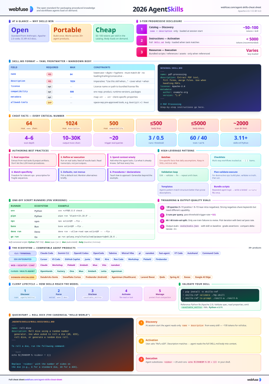
Agent Skills
SKILL.md Spec & Authoring Reference
Complete quick reference for Agent Skills - SKILL.md spec, progressive disclosure, directory conventions, authoring patterns, scripts, description optimization, output-quality evals, and client integration.