LiveKit Agents Cheat Sheet
Complete quick reference for LiveKit Agents - the open-source framework for building real-time, multimodal AI agents over WebRTC. Architecture, pipelines, tools, workflows, and deployment in one place.
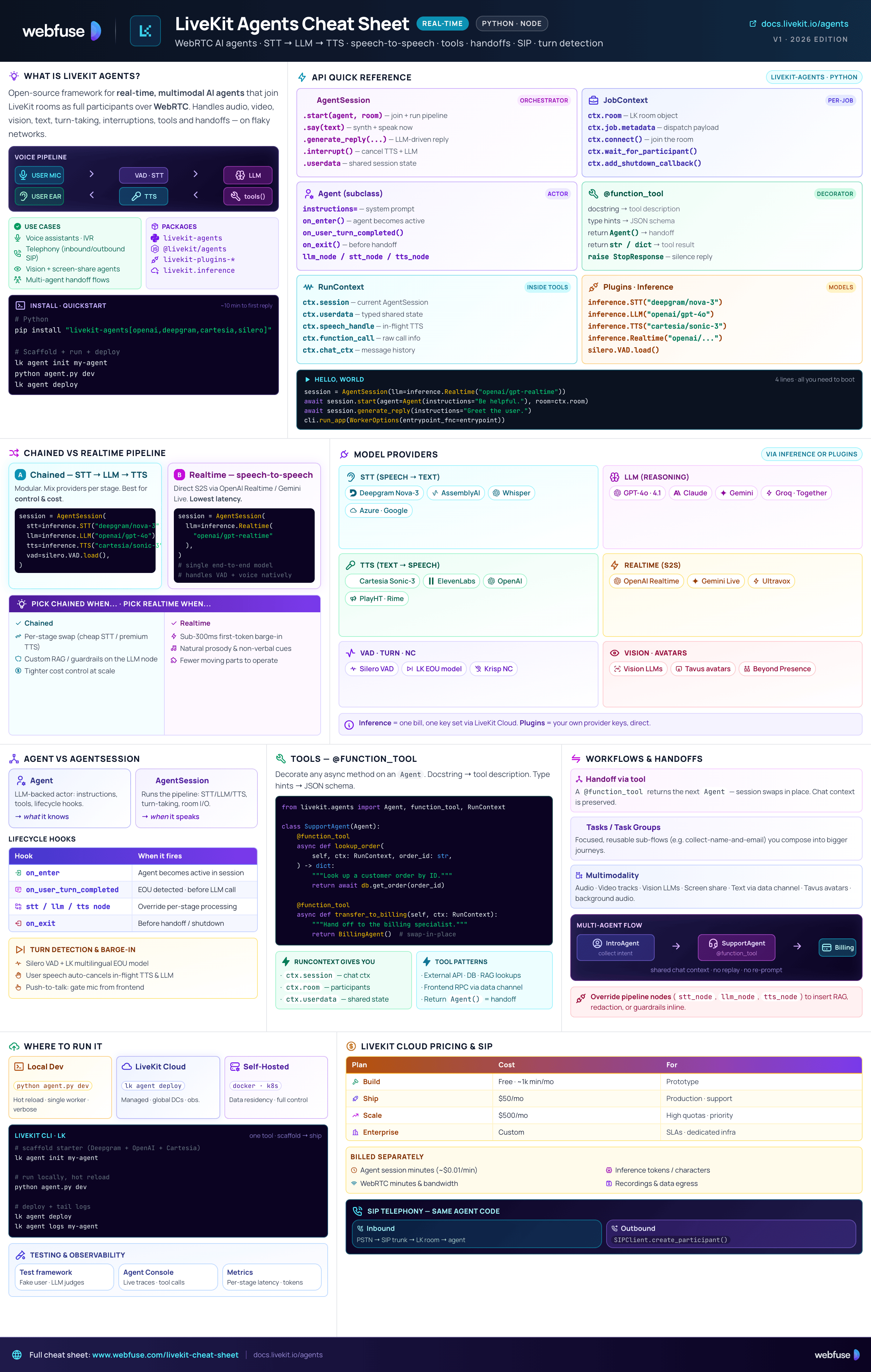
Overview
What LiveKit Agents is, where it fits, and how to install it
What Is LiveKit Agents?
LiveKit Agents is an open-source framework (Python & Node.js) for building real-time, multimodal AI agents that join LiveKit rooms as full participants. Agents handle voice, video, text, vision and more, running on LiveKit's WebRTC infrastructure for low-latency, reliable communication - even on unstable networks. It abstracts the complexity of real-time media pipelines (STT → LLM → TTS or realtime speech-to-speech), turn detection, interruptions, tool use, and multi-agent handoffs.
Common Use Cases
Production-grade conversational agents over WebRTC or SIP telephony.
Agents that see incoming video tracks, screen shares, and avatars.
Inbound & outbound SIP calls handled by the same agent code.
Low-latency interactive agents for embodied or in-game characters.
Workflows with handoffs between specialised agents preserving context.
Mix audio, video, text, screen sharing, and background audio in one session.
Ecosystem Packages
livekit-agents - PythonCore agents framework: Agent, AgentSession, pipeline nodes, dispatch.
@livekit/agents - Node.jsSame primitives for TypeScript / JavaScript developers.
livekit-plugins-*Direct provider integrations - Deepgram, OpenAI, Cartesia, ElevenLabs, Silero, Tavus, etc.
livekit.inferenceUnified provider access via LiveKit Cloud - one bill, one set of keys.
Installation & Quickstart
# Python
pip install "livekit-agents[openai,deepgram,cartesia,silero]"

# Node.js
npm install @livekit/agents \
            @livekit/agents-plugin-openai \
            @livekit/agents-plugin-deepgram

# LiveKit CLI - scaffold a starter agent
lk agent init my-agent
export LIVEKIT_URL="wss://your-project.livekit.cloud"
export LIVEKIT_API_KEY="..."
export LIVEKIT_API_SECRET="..."
LiveKit carries the voice. Something still has to act.
Webfuse acts in the live web session.
Architecture
Agent server, jobs, dispatch, and how clients connect
Request Flow - from client to running agent
A user joins a LiveKit room via web/mobile SDK or dials in over SIP.
LiveKit server dispatches a job to a registered agent server - automatically on room creation or explicitly via the dispatch API.
Agent server forks an isolated worker that runs the entrypoint function. One job = one session.
Session publishes/subscribes to tracks, runs the AI pipeline, exchanges data via RPC.
Agent Server
Your code registers as a long-running server with a LiveKit server (Cloud or self-hosted) and waits for dispatch.
Multiple agent servers register; LiveKit routes jobs across them.
Each job runs in its own subprocess - a crash in one session doesn't kill the others.
Drains in-flight jobs before exiting. Safe for K8s rollouts.
Restart workers automatically on file changes during development.
Dispatch
How LiveKit decides which agent should join which room.
Agent joins any newly created room. Simplest pattern - good for single-purpose agents.
Call the dispatch API to send a specific named agent into a specific room.
Register multiple agents under different names - route by name for multi-tenant or multi-product setups.
ctx.job - use it for routing, user IDs, or tenant info.Job Entrypoint & Worker Boot
A minimal agent server in Python - the entrypoint runs once per job inside its own subprocess.
from livekit.agents import WorkerOptions, cli, JobContext, AgentSession
from livekit.agents import Agent, inference
from livekit.plugins import silero

class Assistant(Agent):
    def __init__(self):
        super().__init__(instructions="You are a helpful assistant.")

async def entrypoint(ctx: JobContext):
    session = AgentSession(
        stt=inference.STT("deepgram/nova-3"),
        llm=inference.LLM("openai/gpt-4o"),
        tts=inference.TTS("cartesia/sonic-3"),
        vad=silero.VAD.load(),
    )
    await session.start(agent=Assistant(), room=ctx.room)
    await session.generate_reply(instructions="Greet the user.")

if __name__ == "__main__":
    cli.run_app(WorkerOptions(entrypoint_fnc=entrypoint))
Pipeline
Chained vs realtime, model integrations, and multimodality
Chained vs Realtime Pipeline
Modular. Mix and match providers per step. Best for control, customisation and cost optimisation.
Direct speech-to-speech via OpenAI Realtime or Gemini Live. Lower latency, more natural feel, fewer moving parts.
Model Integrations
Available via LiveKit Inference (unified keys + billing) or direct provider plugins.
Deepgram (Nova-3), AssemblyAI, and more.
OpenAI (GPT), Google, Anthropic.
Cartesia (Sonic-3), ElevenLabs, and more.
OpenAI Realtime, Gemini Live.
Vision-enabled LLMs, Tavus avatars, and more.
Silero VAD, built-in noise cancellation.
Multimodality
Microphone input and TTS output as published audio tracks.
Subscribe to camera or screen-share tracks; feed frames to a vision LLM.
Bidirectional text messages via the room's data channel.
Talking avatars (e.g. Tavus) and ambient audio layered into the session.
Configuring AgentSession
Pick chained or realtime by what you pass to the session.
# Chained pipeline
session = AgentSession(
    stt=inference.STT("deepgram/nova-3"),
    llm=inference.LLM("openai/gpt-4o"),
    tts=inference.TTS("cartesia/sonic-3"),
    vad=silero.VAD.load(),
)
# Realtime (speech-to-speech)
session = AgentSession(
    llm=inference.Realtime("openai/gpt-realtime"),
)
Logic & Structure
Agent, AgentSession, tools, workflows, turn detection, and hooks
Agent vs AgentSession
An LLM-backed actor with instructions, tools, and lifecycle hooks (on_enter, on_exit, etc.). Multiple agents can hand off to each other in a workflow.
Runs the pipeline: chat context, turn detection, interruptions, STT/LLM/TTS orchestration, and room I/O. One session per job.
Tools - @function_tool
Expose Python functions as LLM-callable tools: API calls, RAG lookups, frontend RPCs, or handoffs.
from livekit.agents import Agent, function_tool

class SupportAgent(Agent):
    def __init__(self):
        super().__init__(
            instructions="You help with order status.",
        )

    @function_tool
    async def lookup_order(self, order_id: str) -> str:
        """Look up the status of a customer order."""
        return await api_get(f"/orders/{order_id}")
RunContext in tool args to read session state, room participants, or trigger handoffs.Workflows & Handoffs
Build multi-agent systems where an intro agent routes to specialists. Chat context is preserved across handoffs.
Focused, reusable units (e.g. collect-name-and-email) you compose into larger flows.
A @function_tool returns the next Agent instance - the session swaps in place.
The new agent sees the full conversation so far - no replay or re-prompting needed.
Turn Detection & Interruptions
Natural turn-taking is essential for voice agents. LiveKit ships a custom multilingual turn-detection model that decides when the user is done speaking - and lets you interrupt the agent mid-reply.
Silero VAD detects voice activity; the turn model detects end-of-utterance even with hesitation.
User speech automatically cancels in-flight TTS and LLM generation.
Disable auto-VAD and gate the mic from the frontend when needed.
Pipeline Nodes & Lifecycle Hooks
Customise processing at any stage of the pipeline.
on_enter, on_exit, on_user_turn_completed, etc.
Override STT, LLM or TTS nodes to insert custom transforms, RAG, or guardrails.
Read or mutate the conversation history before each LLM call - great for retrieval-augmented agents.
Your agent can hear the user and still not reach their screen.
Webfuse puts it in the live session.
Deployment & Scaling
Local dev, LiveKit Cloud, self-hosted, testing, and pricing
Where to Run It
python agent.py dev. Hot reload, verbose logs, single worker.
Managed agent hosting, global DCs, built-in Inference and observability.
Run the open-source LiveKit server + your agent workers on Docker / K8s.
LiveKit CLI (lk)
Init, run, and deploy agents from one command.
# Scaffold a starter agent
lk agent init my-agent

# Run locally (dev mode + hot reload)
python agent.py dev

# Deploy to LiveKit Cloud
lk agent deploy

# Tail logs from a deployed agent
lk agent logs my-agent
Testing & Observability
Drive a fake user, assert agent responses, use LLM judges for fuzzy checks.
Real-time debugging UI: transcripts, traces, tool calls, latency breakdown.
Per-stage latencies, token usage, and STT/TTS durations exported for monitoring.
LiveKit Cloud Pricing (2026)
Free tier. ~1,000 agent minutes/mo included.
$50/mo. Higher quotas, production support.
$500/mo. Large quotas, priority routing.
Custom. SLAs, dedicated infra, security review.
- Agent session minutes - ~$0.01/min while connected (quotas included per plan)
- Inference usage - STT/LLM/TTS tokens, duration, or characters (provider-dependent)
- WebRTC participant minutes & bandwidth - billed via LiveKit infrastructure
- Recordings & data transfer - billed separately when enabled
Official Resources
Docs, GitHub, starter templates, and community
Official Documentation
GitHub Repositories
examples/ - runnable patterns: voice, vision, RAG, telephony, multi-agentlivekit-plugins/ - provider integrationslivekit-agents/ - core frameworkStarter Templates
Community & Learning
Ready to let your AI agent act on the live web?
Headless browsers give your agent a copy of the web. Webfuse gives it the session your user is actually in — over MCP, with no install.
- No credit card
- Free forever plan
- Quick setup
More Cheatsheets
Other quick-reference guides you might find useful.
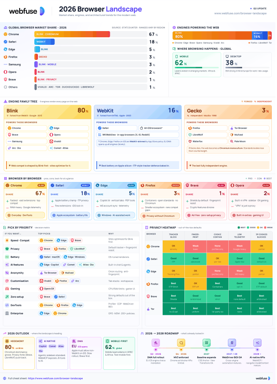
The 2026 Browser Landscape
Major Browsers, Engines, Privacy & Security
Quick reference to the 2026 web browser landscape - market share, engines (Blink, WebKit, Gecko), performance, privacy, extension risks, and a decision table for picking the right browser.
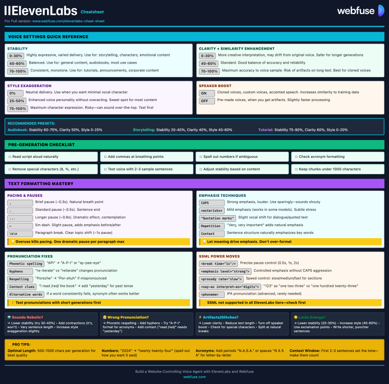
ElevenLabs
Models, Voices, API & Agents
Current quick reference for ElevenLabs models, voice cloning, streaming, API usage, and platform updates.
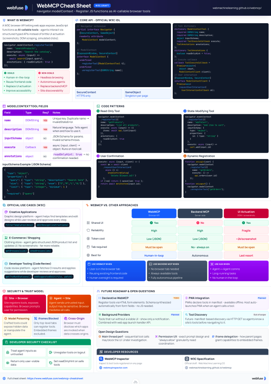
WebMCP
W3C Browser AI Tool API Reference
Complete quick reference for the W3C WebMCP browser API - register JavaScript functions as AI-callable tools with full IDL, code examples, and security guidance.
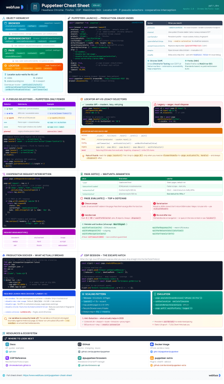
Puppeteer
Headless Chrome & Firefox Automation
Complete quick reference for Puppeteer v24 - Browser/Context/Page hierarchy, modern Locator API with pseudo-selectors, request interception, BiDi, and Docker production patterns.
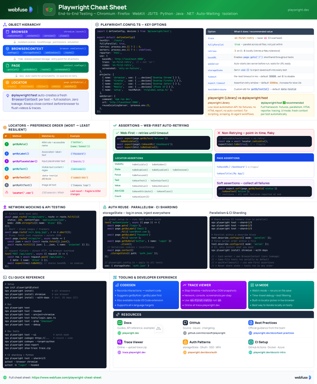
Playwright
End-to-End Testing & Browser Automation
Complete quick reference for Playwright - Browser/Context/Page/Locator primitives, locator strategies, web-first assertions, Codegen, Trace Viewer, language bindings, and best practices.
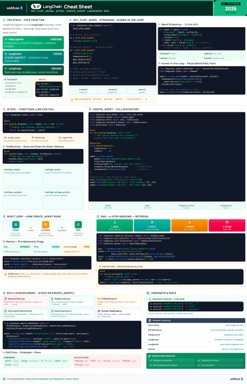
LangChain
LLM Agents, Tools, RAG & Models
Complete quick reference for LangChain - init_chat_model universal interface, @tool decorator, create_agent with memory and structured output, and full RAG pipeline.
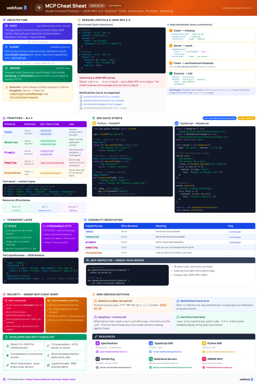
MCP
Model Context Protocol Reference
Complete quick reference for the Model Context Protocol - architecture, primitives (Tools, Resources, Prompts), JSON-RPC transport, security best practices, and ecosystem overview.
Agent Skills
SKILL.md Spec & Authoring Reference
Complete quick reference for Agent Skills - SKILL.md spec, progressive disclosure, directory conventions, authoring patterns, scripts, description optimization, output-quality evals, and client integration.