The 2026 Browser Landscape
A concise overview of the 2026 web browser landscape - market share, engines, performance, privacy, extension risks, and a decision table to help you choose the right browser for each task.
Overview
Where the 2026 browser landscape stands - at a glance
At a Glance
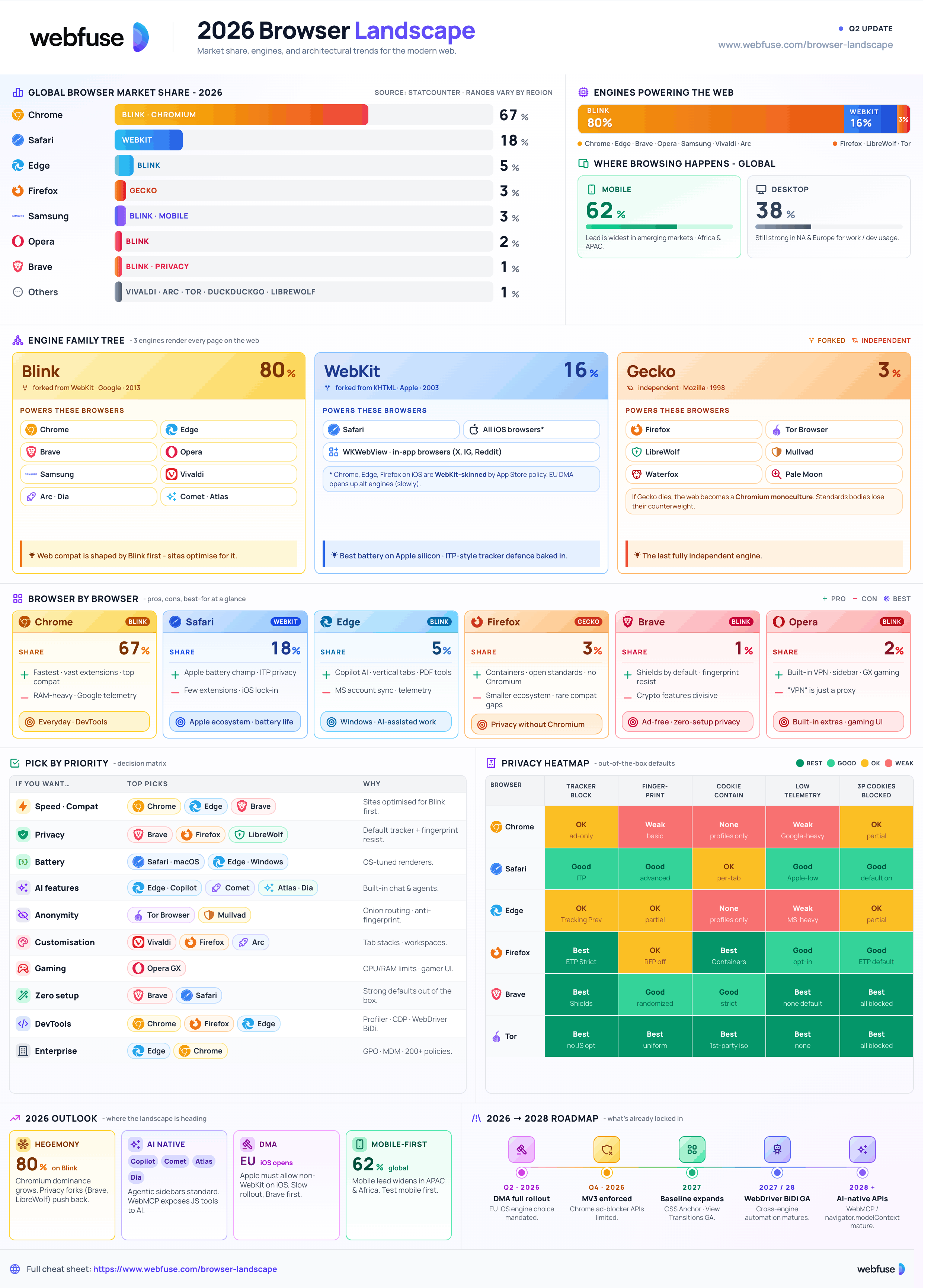
A handful of players dominate global browser share: Chrome leads at roughly 65–71%, followed by Safari (14–18%), Edge (4–6%), and a long tail of Firefox, Opera, Samsung Internet, Brave, and others. Three browser engines - Blink, WebKit, and Gecko - power everything, with Blink (Chromium) the de-facto standard for ~70–80% of optimised sites. Figures vary across sources (StatCounter, W3Counter, Cloudflare) due to differing methodologies - page hits vs. unique visitors, desktop vs. mobile.
Global Market Share (approx.)
Mobile vs Desktop
~60%+ of global browsing happens on phones. Skews share toward Chrome (Android) and Safari (iOS).
Chrome still leads, but Edge, Firefox and Safari have meaningfully higher shares than in mobile-skewed stats.
Android → Chrome / Samsung Internet · iOS & macOS → Safari · Windows → Chrome / Edge · Linux → Firefox / Chromium.
The Three Web Engines
Chrome, Edge, Opera, Brave, Vivaldi, Arc. Dominant on the web.
Safari and every iOS browser (Apple still requires WebKit on iOS in most markets).
Firefox & forks (LibreWolf, Mullvad, Tor Browser). The last fully independent engine.
Every browser here is one you launch yourself.
Webfuse connects your agent to the live one.
Major Browsers
What each browser is good at, what its trade-offs are, and who it's for
Google Chrome
~65–71%Blink · Chromium
Fast, vast extension catalogue, top-tier web compatibility, deep Google ecosystem integration.
Speed, extensions, sandboxing, frequent updates.
Heavy RAM, strong Google telemetry.
Apple Safari
~14–18%WebKit · Apple
Best-in-class battery on Apple silicon, strong privacy defaults, seamless iCloud / Handoff integration.
Battery, ITP privacy, Apple integration.
Fewer extensions, iOS restrictions.
Microsoft Edge
~4–6%Blink · Chromium
Strong Windows integration, built-in Copilot, vertical tabs, Collections, capable PDF tools.
Copilot AI, vertical tabs, productivity tools.
Microsoft account sync & telemetry.
Mozilla Firefox
~2–3%Gecko · Open source
Privacy-focused, open source, highly customisable. Multi-account containers, strict tracking protection.
Privacy, containers, open standards.
Smaller ecosystem, occasional compat gaps.
Brave
Privacy-firstBlink · Chromium
Built-in ad & tracker blocking (Shields), strong fingerprint resistance, optional crypto rewards.
Default protection, fast, Chromium compat.
Crypto features niche / divisive.
Opera & Opera GX
Built-insBlink · Chromium
Built-in VPN (proxy), sidebar, and AI features. Opera GX targets gamers with configurable CPU and RAM limits.
Built-in VPN, sidebar, and gaming-focused tools.
Feature-heavy; the built-in VPN is a proxy, not a true VPN.
Notable Others
Default on Samsung Android phones. Major mobile share, Chromium-based.
Power-user customisation, tab stacks, built-in tools. Chromium.
Onion routing and anti-fingerprinting. Slower performance, but the strongest anonymity available.
Hardened Firefox forks - strict defaults, no telemetry.
Modern UI experiments - sidebar tabs, spaces, profile workflows.
Mobile/desktop privacy browser with built-in tracker blocking.
Engines & Performance
Blink, WebKit, Gecko - and how their choices show up in real-world speed and battery
The Three Engines
Forked from WebKit in 2013. Powers all Chromium-based browsers.
Apple's engine. Highly optimised for Apple silicon & battery.
The last fully independent engine. Strong on open standards.
Speed
Chrome, Edge and Brave (Blink) usually lead. Safari excels on Apple silicon.
Competitive, occasionally faster on specific workloads but variable.
Run Speedometer 3, JetStream, and MotionMark, alongside real-world page loads.
Resource Use & Battery
Chromium browsers tend to consume more memory. Firefox and Safari are typically more efficient.
Safari on macOS often leads; Edge has improved on Windows.
Safari strong on iOS; Chrome / Samsung Internet on Android.
Cross-Platform Sync
Google account sync - history, tabs, passwords, extensions.
iCloud sync across Apple devices & Keychain.
Microsoft account sync - Collections, history, passwords.
End-to-end encrypted, privacy-oriented.
Security & Privacy
Where browsers diverge, what extensions actually do, and the habits that matter
Privacy Posture by Browser
Default ad/tracker blocking, fingerprint randomisation.
Containers, Enhanced Tracking Protection (Strict), DoH.
Intelligent Tracking Prevention, blocks 3rd-party cookies by default.
Hardened defaults, anti-fingerprinting, no telemetry.
Heavier Google telemetry; configurable but data collection by default.
Microsoft telemetry; enterprise policies can lock it down.
Extension Risk
Extensions can read everything you do online, and many sell data or request excessive permissions. Research suggests that around 71% of Chrome extensions ship without a privacy policy, and several with millions of users legally sell browsing data under their stated terms.
- Install only from official stores
- Review permissions before approving
- Minimise installs; uninstall unused
- Check reviews, developer,
crxcavator.io - Use browser profiles for separation
- Prefer built-ins (Brave Shields, Safari ITP)
- Approve "all data on all sites" for trivial tools
- Install from random websites or zip files
- Trust extensions that change owner silently
- Mix work & personal extensions in one profile
- Keep abandoned / never-updated extensions installed
Security Hygiene
Leave it on. All majors ship security fixes weekly.
Use strong, unique passwords. Enable a hardware key or TOTP on every account that matters.
Enable HTTPS-Only / HTTPS-First mode (now default in most browsers).
uBlock Origin remains the most trusted option - well-maintained, with an MV3-aware fork available.
What Private / Incognito Mode Actually Does
A widely misunderstood feature - here's what it actually hides.
Local history, cookies, cache, autofill on your device.
Your IP address from websites or your ISP. Network administrators, employers, and trackers using fingerprinting can still identify you.
Headless engines trade fidelity for speed.
Webfuse uses the live browser, as it is.
Recommendations & Trends
Which browser for which job - plus where the 2026 landscape is heading
Quick Decision Table
| Priority | Top Pick(s) | Why |
|---|---|---|
| Speed / Compatibility | Chrome · Edge · Brave | Blink dominance - sites are optimised here first. |
| Privacy | Brave · Firefox · LibreWolf | Built-in protections, fingerprint resistance. |
| Battery (laptop) | Safari (Apple) · Edge (Windows) | OS-level optimisation, efficient renderers. |
| Customisation | Vivaldi · Firefox · Arc | Tab stacks, workspaces, deep UI tweaks. |
| Minimal Setup | Brave · Safari | Strong defaults out of the box. |
| AI features | Edge (Copilot) · Comet · Atlas | Built-in chat, summaries, agents. |
| Gaming | Opera GX | CPU / RAM limits, music player, gamer UI. |
| Extreme anonymity | Tor Browser | Onion routing; slow but unmatched. |
By Use Case
Chrome or Edge (compat), Safari (Apple), Brave (balanced privacy).
Chrome / Edge DevTools as primary; test on Safari & Firefox for compat.
Managed Chrome or Edge with policies (GPO, MDM).
Brave or a hardened Firefox fork; consider Tor for sensitive sessions.
2026 Trends
But privacy forks (Brave, LibreWolf, Mullvad) keep growing.
Summaries, sidebars, agentic flows - Edge Copilot, Perplexity Comet, OpenAI Atlas, and more.
Driven by high-profile tracking investigations and extension-related incidents.
A widening lead in many regions, particularly in emerging markets.
EU DMA & similar regimes pushing on defaults & engine choice (esp. iOS).
Resources
Official browser pages, market-share trackers, engine projects, and security tooling
Browser Homepages
Market-Share Trackers
Engines & Web Standards
Privacy & Security Tools
Benchmarks (run them yourself)
Ready to let your AI agent act on the live web?
Headless browsers give your agent a copy of the web. Webfuse gives it the session your user is actually in — over MCP, with no install.
- No credit card
- Free forever plan
- Quick setup
More Cheatsheets
Other quick-reference guides you might find useful.
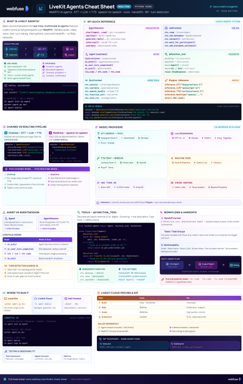
LiveKit Agents
Real-Time Voice & Multimodal AI
Complete quick reference for LiveKit Agents - architecture, chained vs realtime pipelines, STT/LLM/TTS integrations, tools, workflows, turn detection, and deployment.
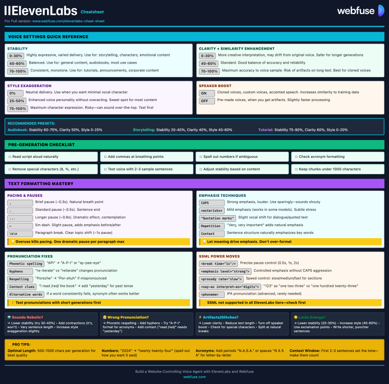
ElevenLabs
Models, Voices, API & Agents
Current quick reference for ElevenLabs models, voice cloning, streaming, API usage, and platform updates.
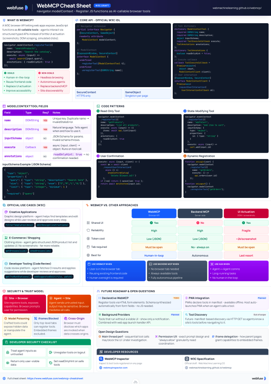
WebMCP
W3C Browser AI Tool API Reference
Complete quick reference for the W3C WebMCP browser API - register JavaScript functions as AI-callable tools with full IDL, code examples, and security guidance.
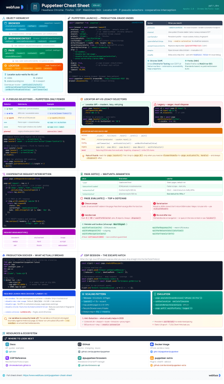
Puppeteer
Headless Chrome & Firefox Automation
Complete quick reference for Puppeteer v24 - Browser/Context/Page hierarchy, modern Locator API with pseudo-selectors, request interception, BiDi, and Docker production patterns.
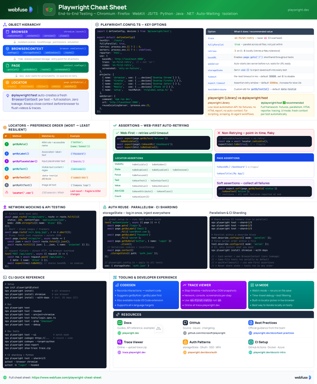
Playwright
End-to-End Testing & Browser Automation
Complete quick reference for Playwright - Browser/Context/Page/Locator primitives, locator strategies, web-first assertions, Codegen, Trace Viewer, language bindings, and best practices.
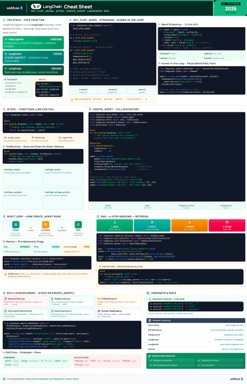
LangChain
LLM Agents, Tools, RAG & Models
Complete quick reference for LangChain - init_chat_model universal interface, @tool decorator, create_agent with memory and structured output, and full RAG pipeline.
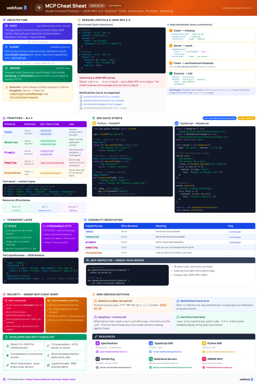
MCP
Model Context Protocol Reference
Complete quick reference for the Model Context Protocol - architecture, primitives (Tools, Resources, Prompts), JSON-RPC transport, security best practices, and ecosystem overview.
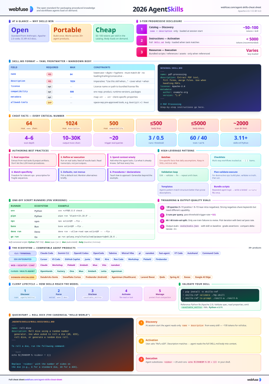
Agent Skills
SKILL.md Spec & Authoring Reference
Complete quick reference for Agent Skills - SKILL.md spec, progressive disclosure, directory conventions, authoring patterns, scripts, description optimization, output-quality evals, and client integration.